Manage package and channel lifecycleYank or restore package variants, delete variants, and safely transfer or delete a channel.
Package and channel management includes reversible actions and permanent ones. Start with a yank when possible. Owners and Contributors can manage package variants on non-mirror channels; ownership transfer and channel deletion remain Owner-only.
A variant is one concrete package artifact. Identify it by platform or subdirectory and exact filename, not by version alone.
Compare package actions
Action | Effect | Reversible? | Website role | Automation credential |
|---|---|---|---|---|
Yank | Removes the variant from fresh solves using the current channel index | Yes | Owner or Contributor | Read/write or higher |
Yank and hide | Yanks the variant and removes it from the default website table | Yes | Owner or Contributor | Read/write or higher |
Unyank | Restores solver availability | Yes | Owner or Contributor | Read/write or higher |
Unyank and unhide | Restores solver availability and the default website listing | Yes | Owner or Contributor | Read/write or higher |
Delete variant | Removes the variant from the channel catalog | No in the product UI | Owner or Contributor | Read/write/delete |
Quarantine | Platform policy action that can yank or block a download | Not a customer action | prefix.dev platform administrator | Not available |
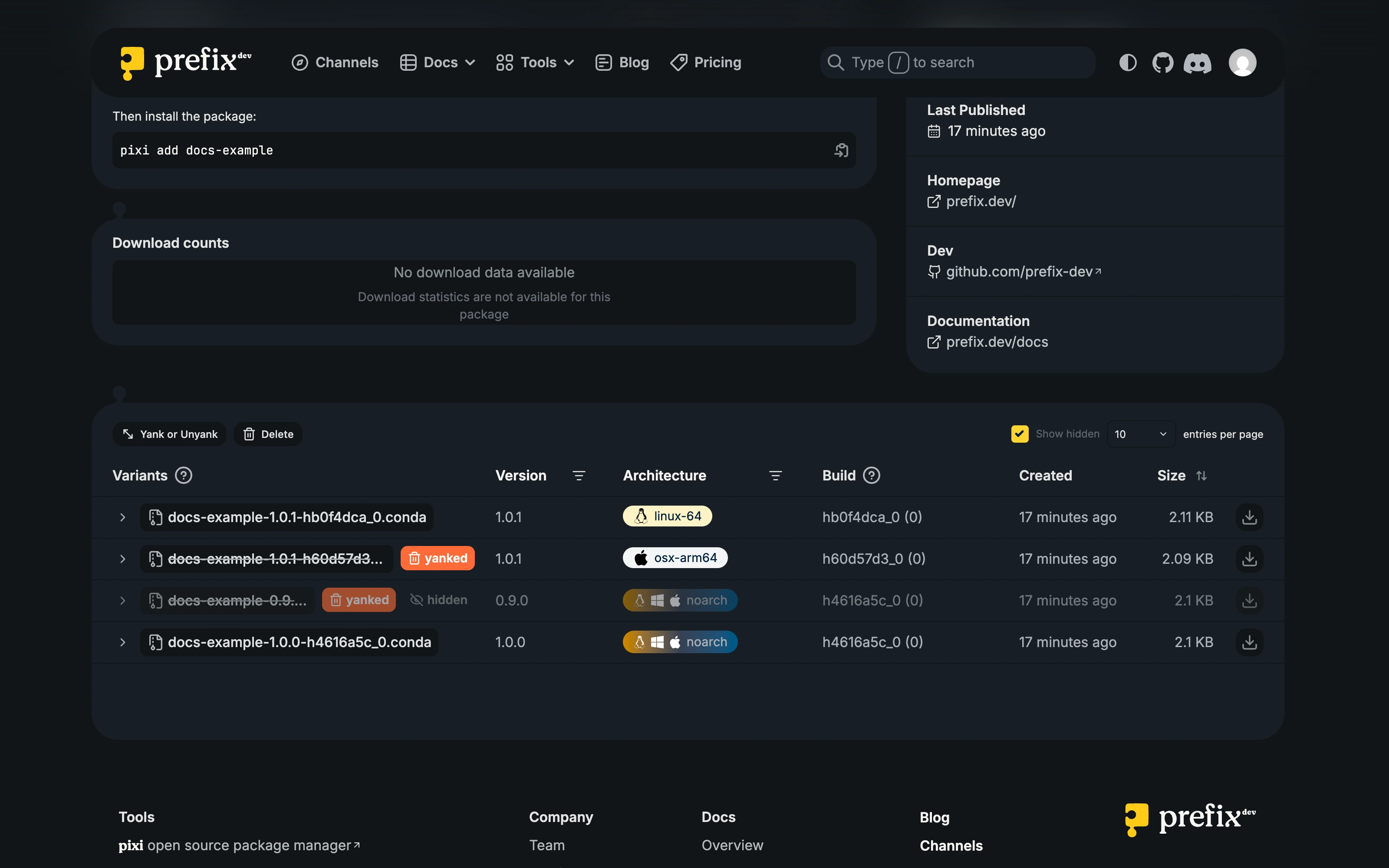
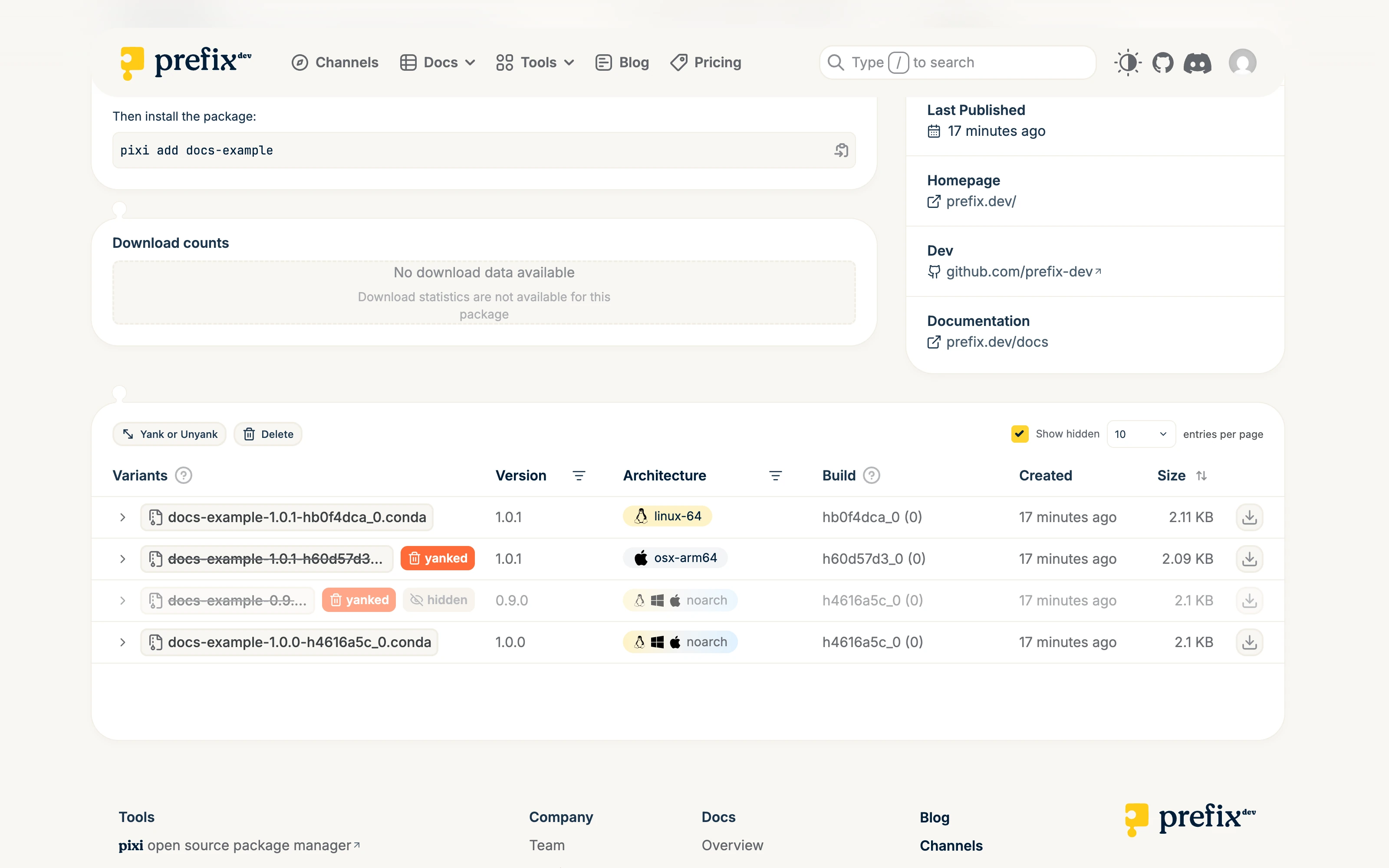
A hidden variant is not the same as a yanked variant. Hiding affects the default website table; yanking changes repodata used by solvers. A blocked quarantine can also prevent direct downloads.
Yank or restore variants
Open the package in its channel.
Filter by version or platform.
Select Yank or Unyank.
Select the exact filename and platform rows.
To yank, enter a useful reason. Optionally select Also hide from table view, then select Yank.
To restore, select yanked rows and select Unyank. The action becomes Unyank & Unhide when selected rows are hidden.
Wait for indexing and verify with a fresh solve using refreshed metadata.
Fresh solves cannot select a yanked variant from the updated channel index, even with an exact package constraint that includes its name, version, and build. Existing lockfiles, stale index data, local caches, and explicit artifact URLs can still refer to or download the file.
Write a reason that helps consumers act, such as “broken runtime dependency; use build 2.” Do not include secrets or private incident details.
Permanently delete variants
Delete a variant only when a yank is not enough. Keep a copy of anything you may need later.
Open the package and select Delete.
Select exact variant rows and review their filenames and platforms.
Review the count and permanent-action warning.
Complete the acknowledgement and typed confirmation.
Select Delete forever.
Deletion immediately removes the entry from the channel catalog and new repository lookups. Stored content and downstream caches may be cleaned up asynchronously, and previously downloaded copies cannot be recalled.
Danger: Variant deletion cannot be undone in the product UI. Preserve the recipe, source, logs, and artifact if you may need to rebuild it. Deletion can break exact URLs and consumers pinned to that artifact.
Transfer or delete a channel
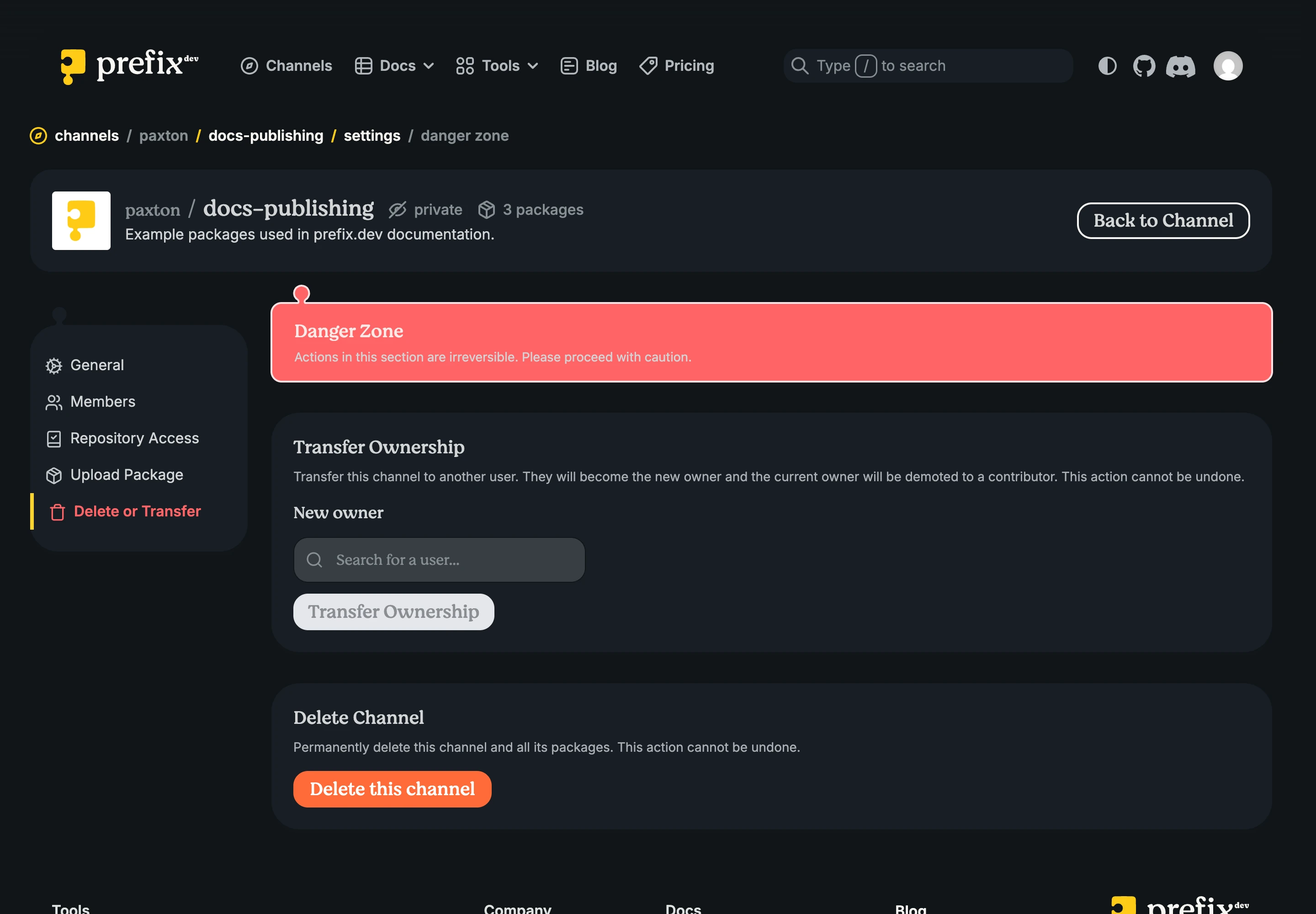
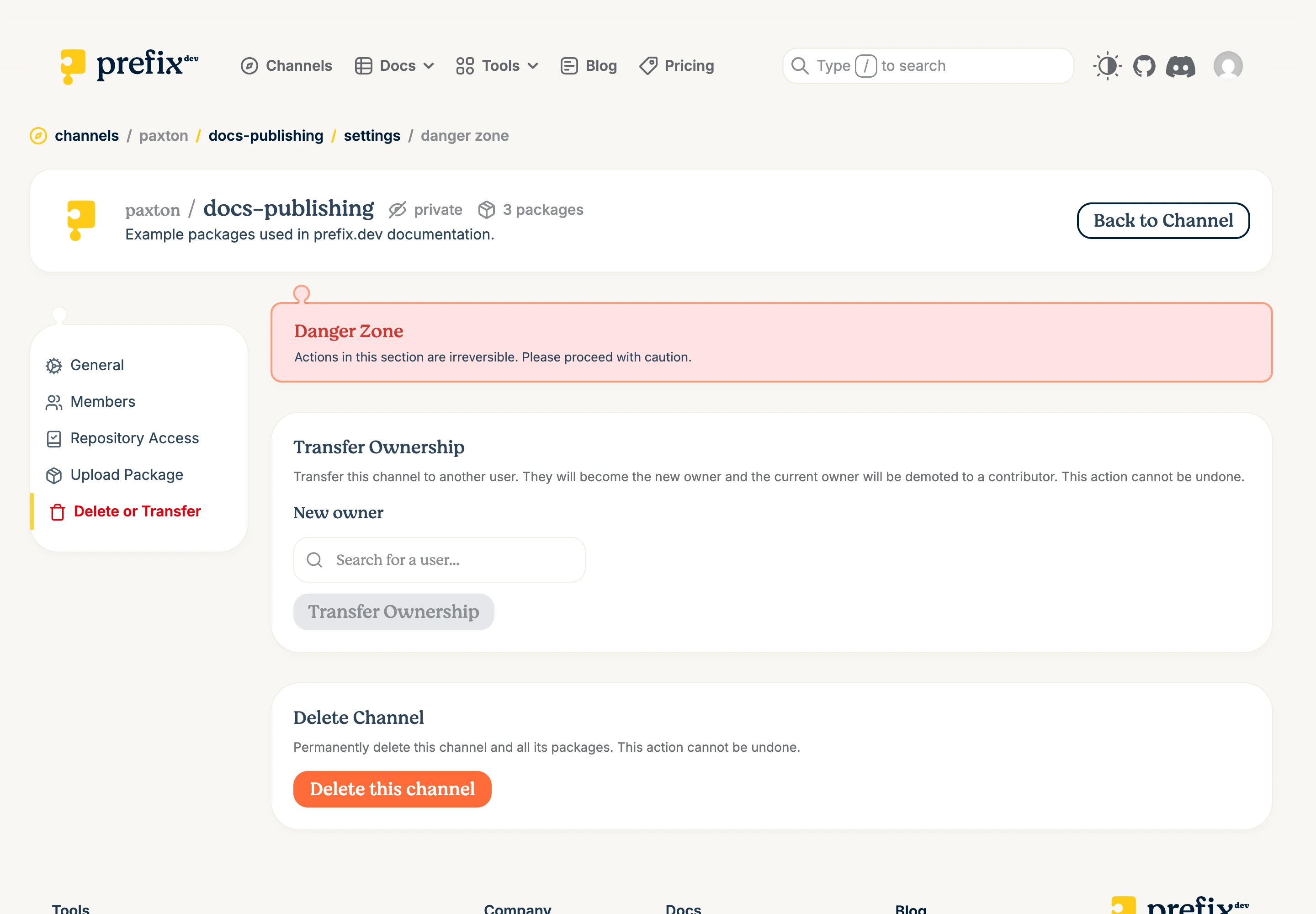
The Settings > Delete or Transfer area is available to the channel Owner. Contributors cannot transfer or delete the channel. Mirror channels cannot be transferred.
Transfer ownership
Transfer keeps the channel’s packages and internal identity, but moves billing and the public namespace to the recipient. The canonical channel and package URLs change. By default, the transferred channel becomes non-primary in the recipient’s namespace.
Channel-scoped API keys and Repository Access sources continue to target the same internal channel. They remain attached to their original user or publisher identity. Review and revoke anything the recipient should not inherit before completing the transfer.
Before transferring:
confirm that the recipient accepts responsibility and has a prefix.dev account;
check that the target namespace does not contain the same local channel name;
inventory package URLs, CI configuration, API keys, Repository Access sources, base and override relations, badges, and links; and
notify consumers that the canonical path will change.
To transfer:
Open Settings > Delete or Transfer.
Find and select the new owner.
Select Transfer Ownership.
Read the warning and type the current channel reference.
Confirm the transfer.
Copy the new canonical path and update local, CI, and documentation references.
The new user becomes Owner and the previous Owner becomes a Contributor. Do not rely on the old repository path continuing to work.
Danger: The previous owner cannot reverse the transfer after confirmation. Only the new Owner can transfer it again.
Delete a channel
Deleting a channel removes its catalog, packages, memberships, and Repository Access mappings. Channels that use it as a base or override lose that relation. Storage cleanup may continue asynchronously.
Before deleting:
verify the full canonical channel reference;
remove the channel from environments, CI, documentation, and downstream configuration;
retain required artifacts and metadata;
notify members and consumers; and
prefer yanking individual bad variants when the channel is still needed.
To delete:
Open Settings > Delete or Transfer.
Review the package count under Delete Channel.
Select Delete this channel.
Type the full channel reference.
Confirm deletion.
Danger: Channel deletion cannot be undone in the product UI. Do not use deletion to temporarily hide a channel, and do not assume it recalls previously downloaded artifacts.